01 — Log
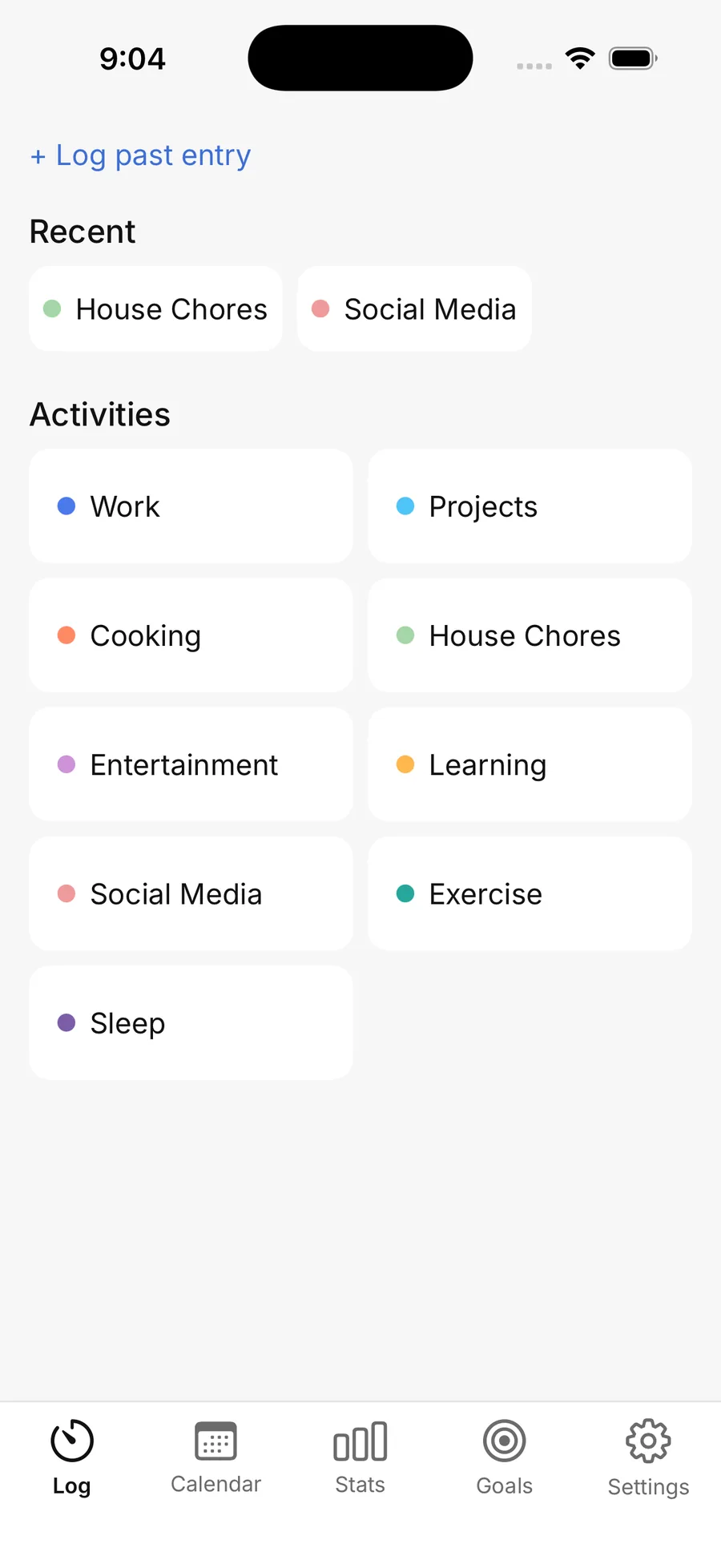
Start a timer, or log it later
Your activities, colour-coded and one tap away. Forgot to start it? Log a past entry in a few seconds.
 Time Journal

A time journal, not a coach
Most of us can't say. Time Journal keeps an honest record of your hours. Start a timer, or fill the day in later.


Free · No account · Works offline
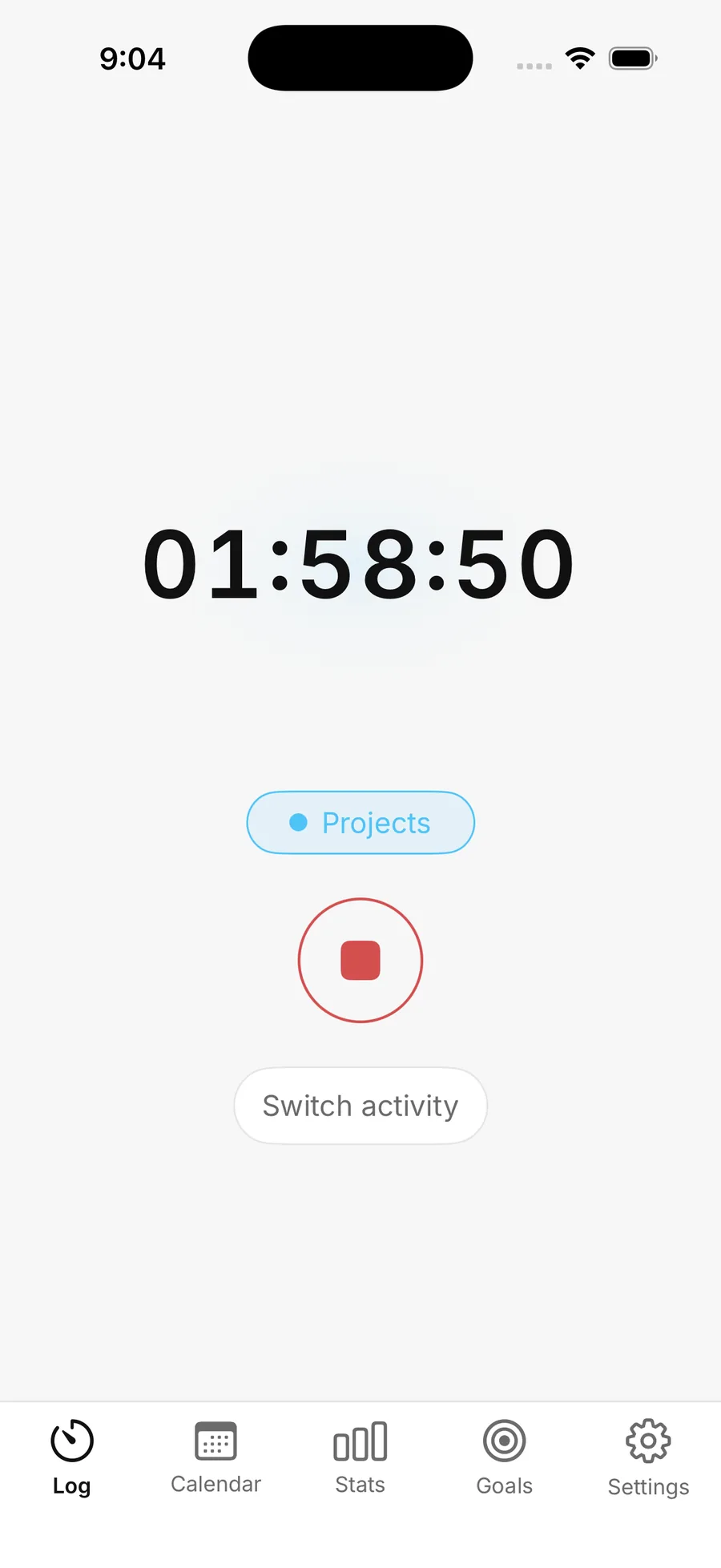
Two taps
Pick an activity, start the timer. Or log it after the fact. The record is what matters, not the ritual.
Quick setup
No account, no sync wizard. Choose which activities to track. Defaults are ready, or add your own.
100% offline
Your hours stay on your phone. Nothing is uploaded, because there's nowhere to upload it to.
Your activities, colour-coded and one tap away. Forgot to start it? Log a past entry in a few seconds.
02 — Calendar
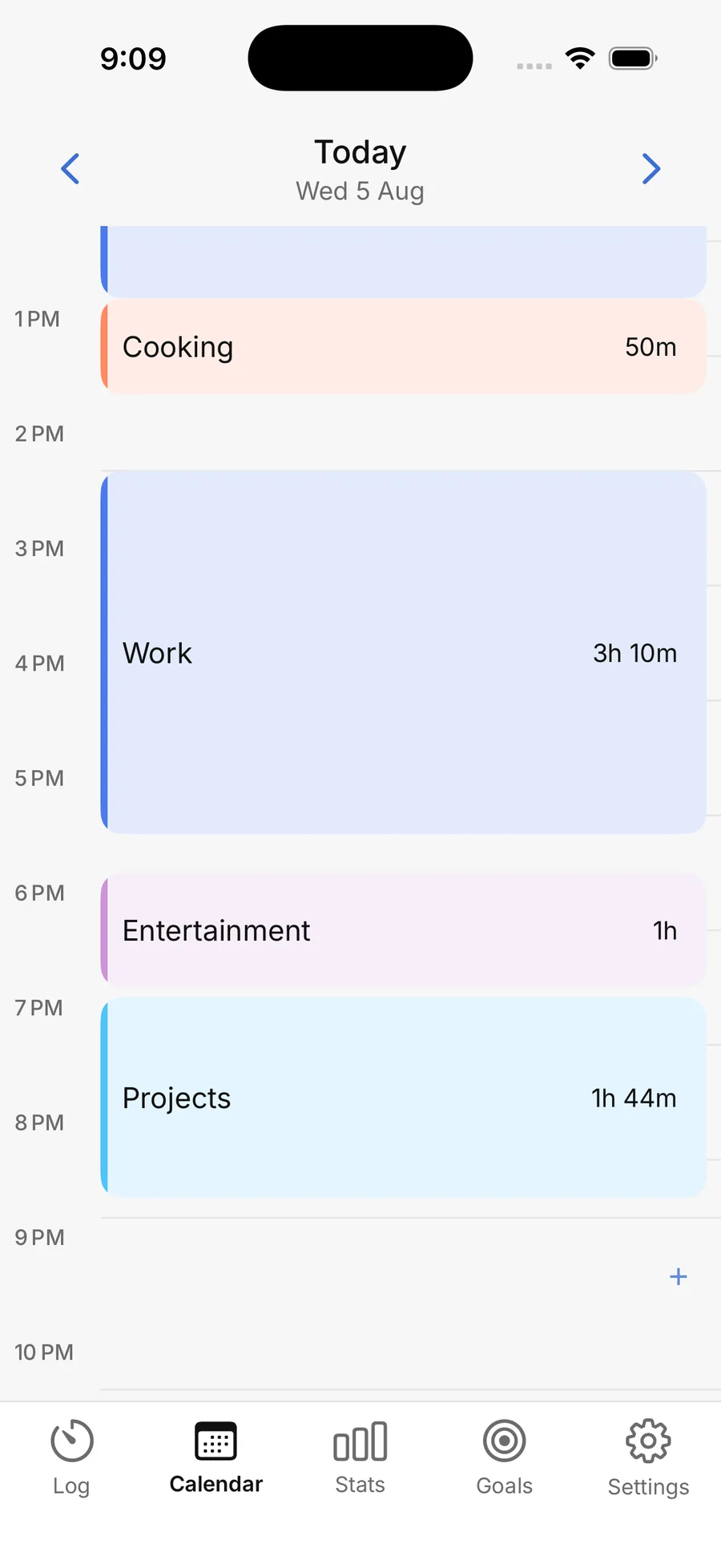
Every logged block in its own colour, laid out hour by hour. The gaps are as informative as the blocks.
03 — Stats
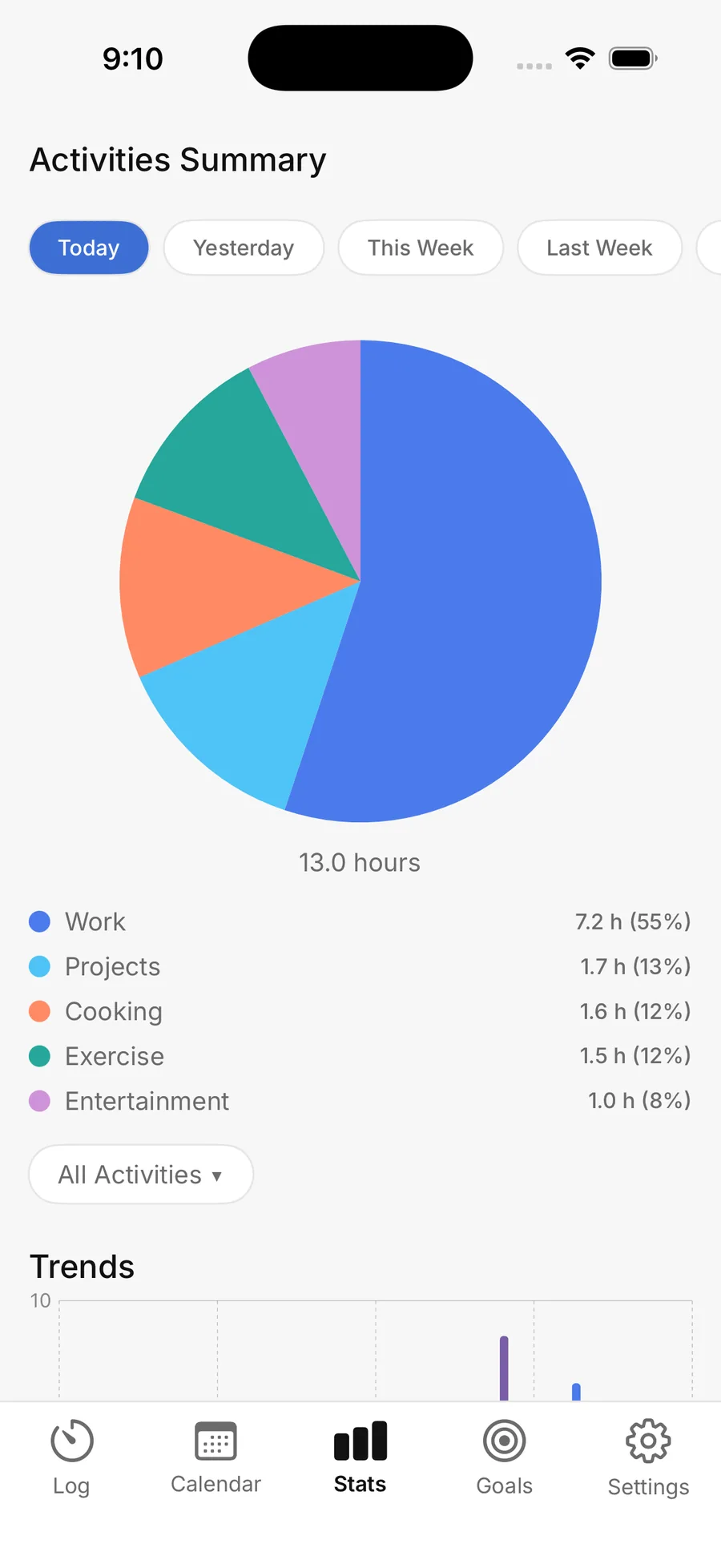
Today, this week, last week. See the split at a glance and how it shifts over time.
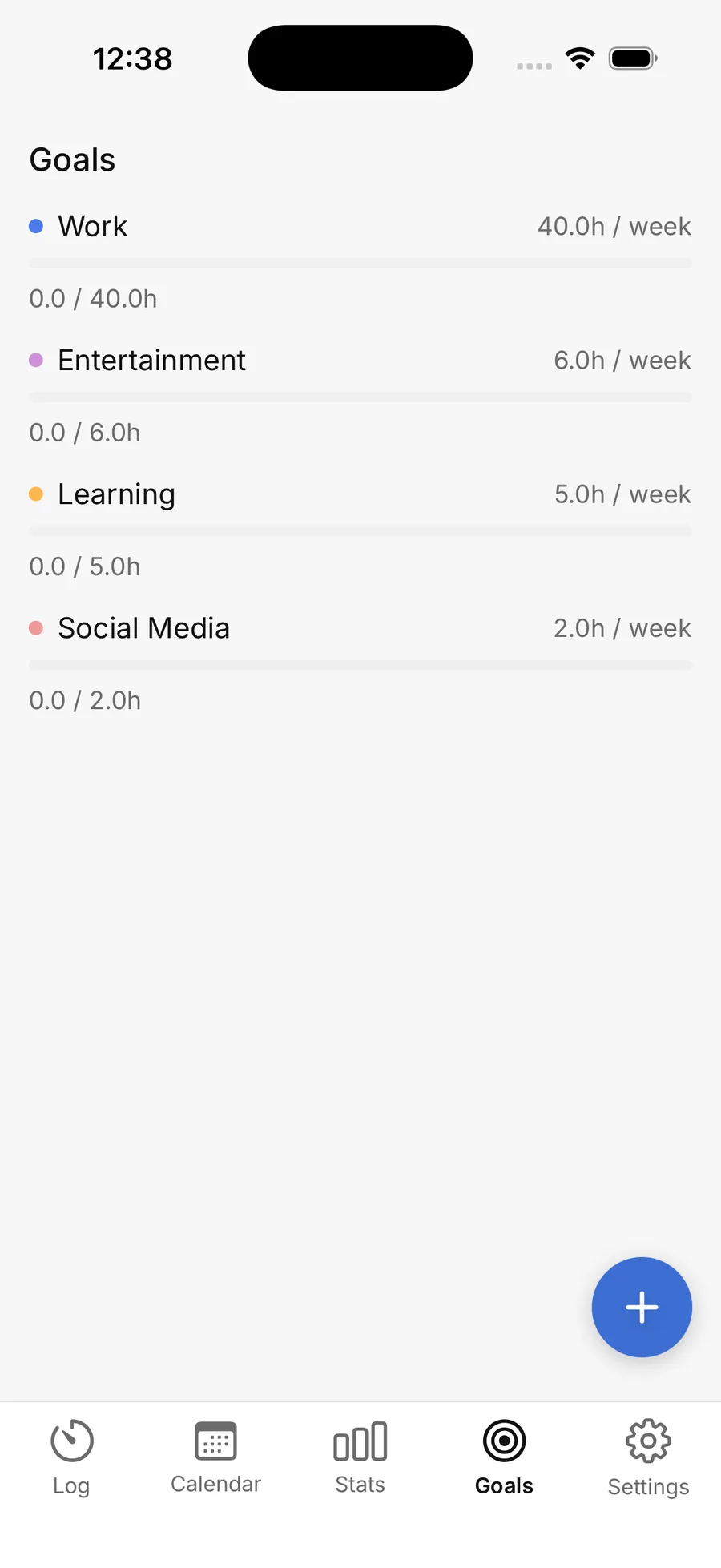
04 — Goals
Set hours per week for any activity and watch the bar fill. Optional, quiet, and never turned into a streak.
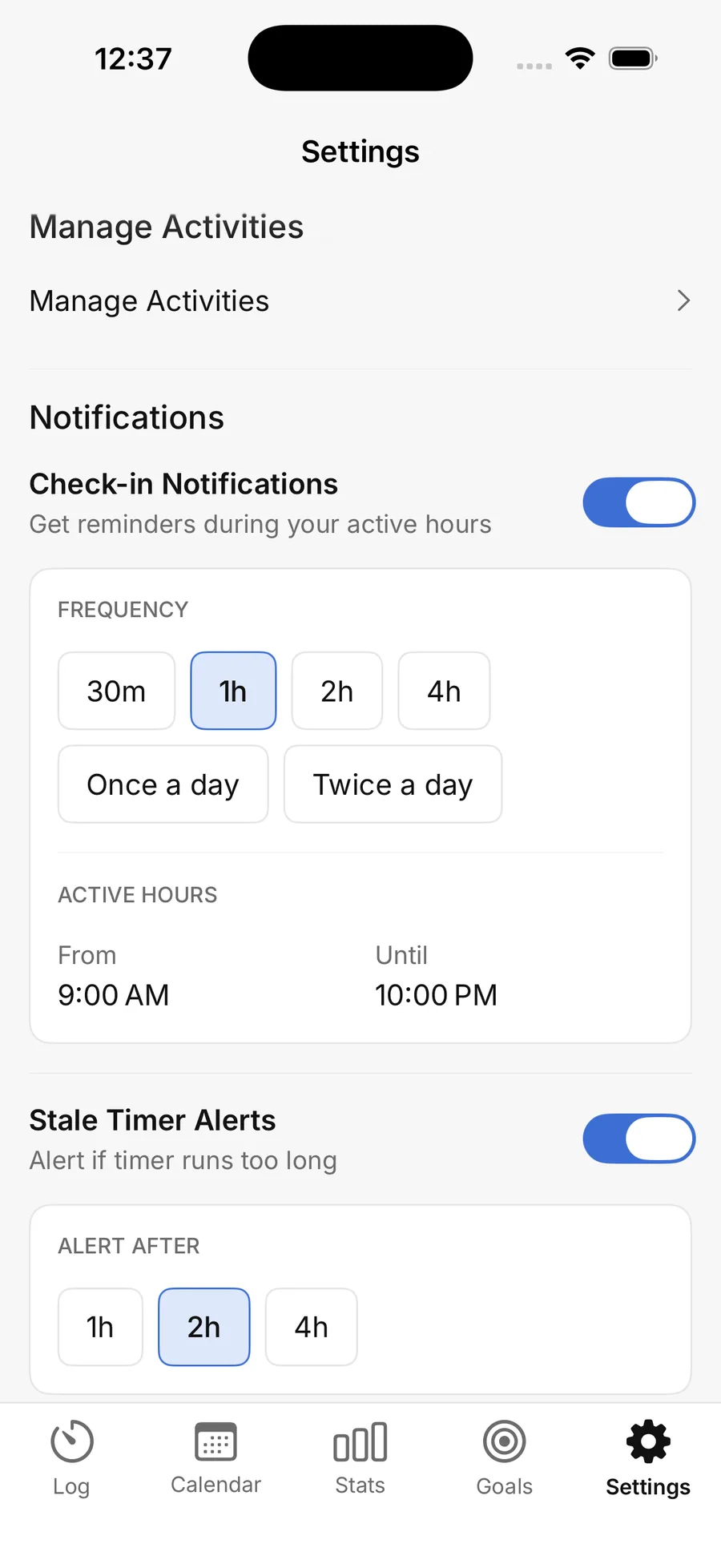
05 — Settings
Check-ins at the frequency you choose, only during your active hours, plus an alert when a timer has been running too long. All of it optional.
No advice, no productivity score, no nudges to do better tomorrow. Time Journal shows you the week you actually had and then gets out of the way.
Free on iPhone and Android. Nothing to sign up for.